Wren
- AI
- iOS app
Study · iOS app. An original study by the Khaeli team; Wren is a fictional product, not a client.
Overview
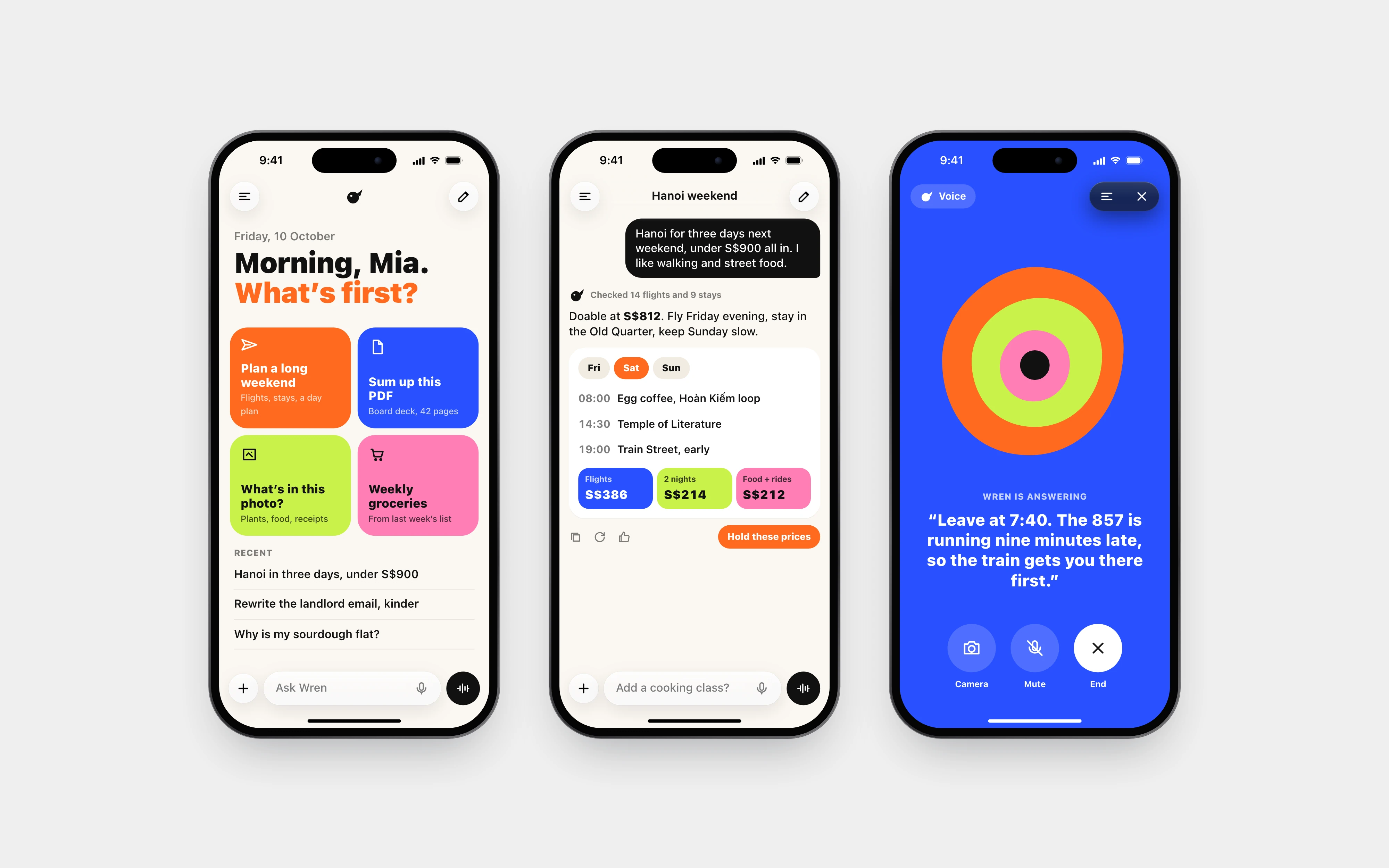
Wren is an AI assistant app. It is designed in paper, ink and four flat poster colours, a deliberate turn away from the purple gradients most AI products share.
The brief
AI assistants have converged on one look: a dark screen, a glowing orb and a chat box. They are hard to tell apart, and long text answers are hard to act on.
We set two goals. Wren had to be recognisable at a glance. And its answers had to come back as things you can use, like a plan with costs, rather than paragraphs.
Design decisions
- 01
Four flat colours, no glow
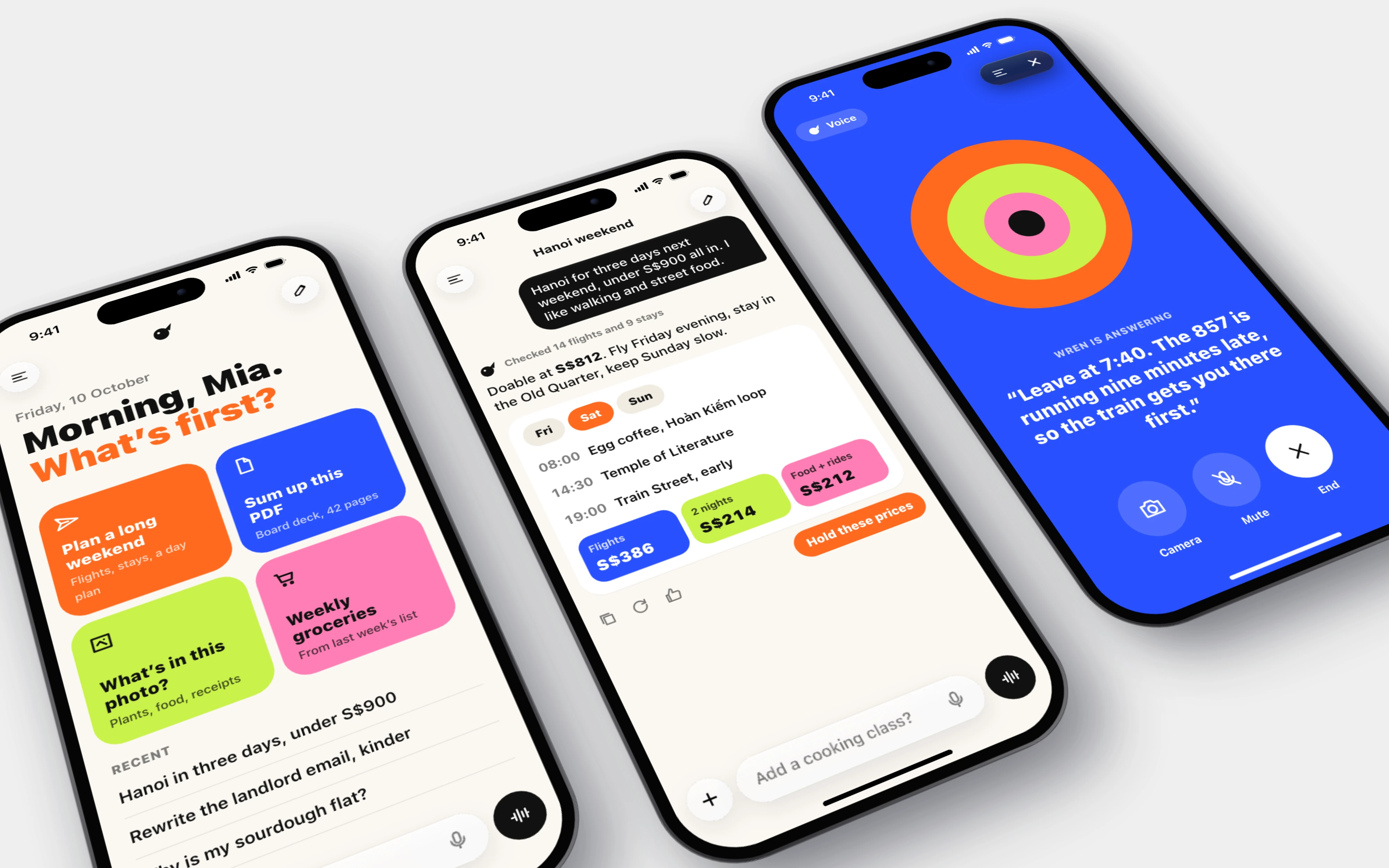
Quick-start tiles, the voice mode and the accents use solid poster colours on paper. The assistant feels warm and doesn't look like every other AI product.
- 02
Answers as structured plans
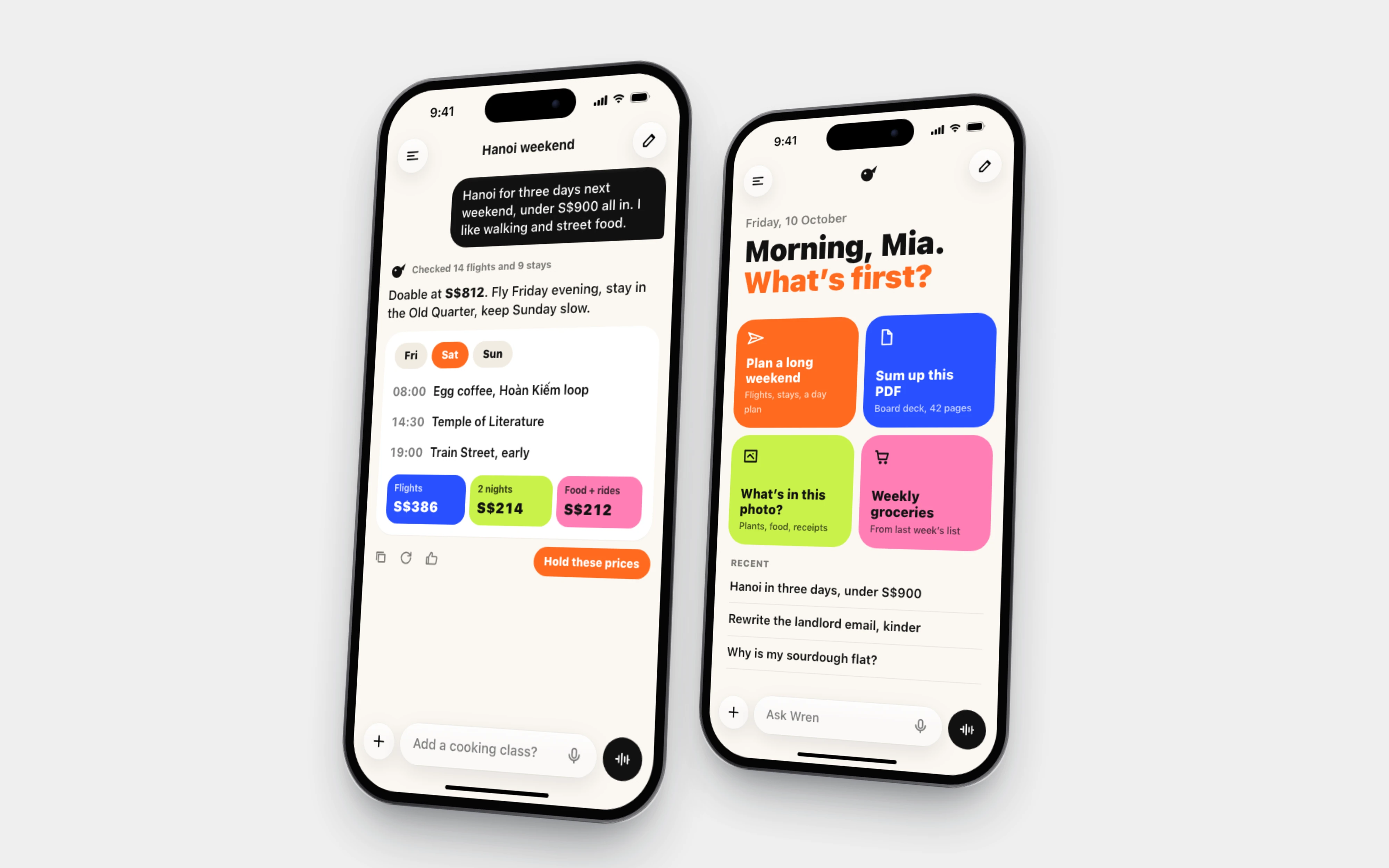
Asked for a Hanoi weekend under S$900, Wren replies with a day plan and a cost split (386 + 214 + 212 = S$812). The totals add up, and the user can act on the plan straight away.
- 03
Quick starts instead of a blank prompt
Four tiles on the home screen show what Wren is good at. A blank text box makes people guess.
- 04
A flat voice mode
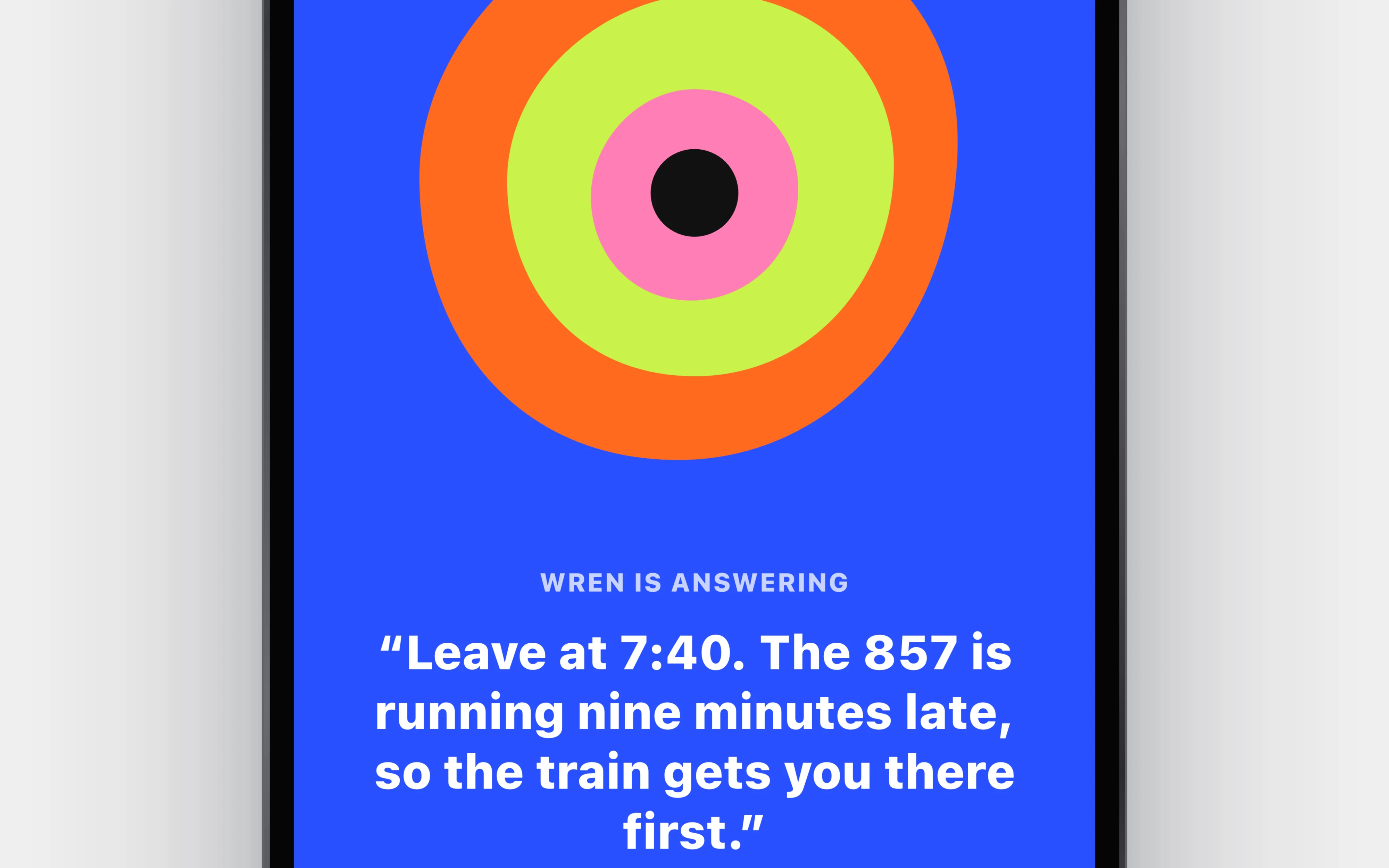
Voice uses a cobalt field and a concentric blob that moves with speech, with the transcript underneath and three large controls. It is readable at arm's length.
Screens
3 screens, each designed at native size and rendered from the code.
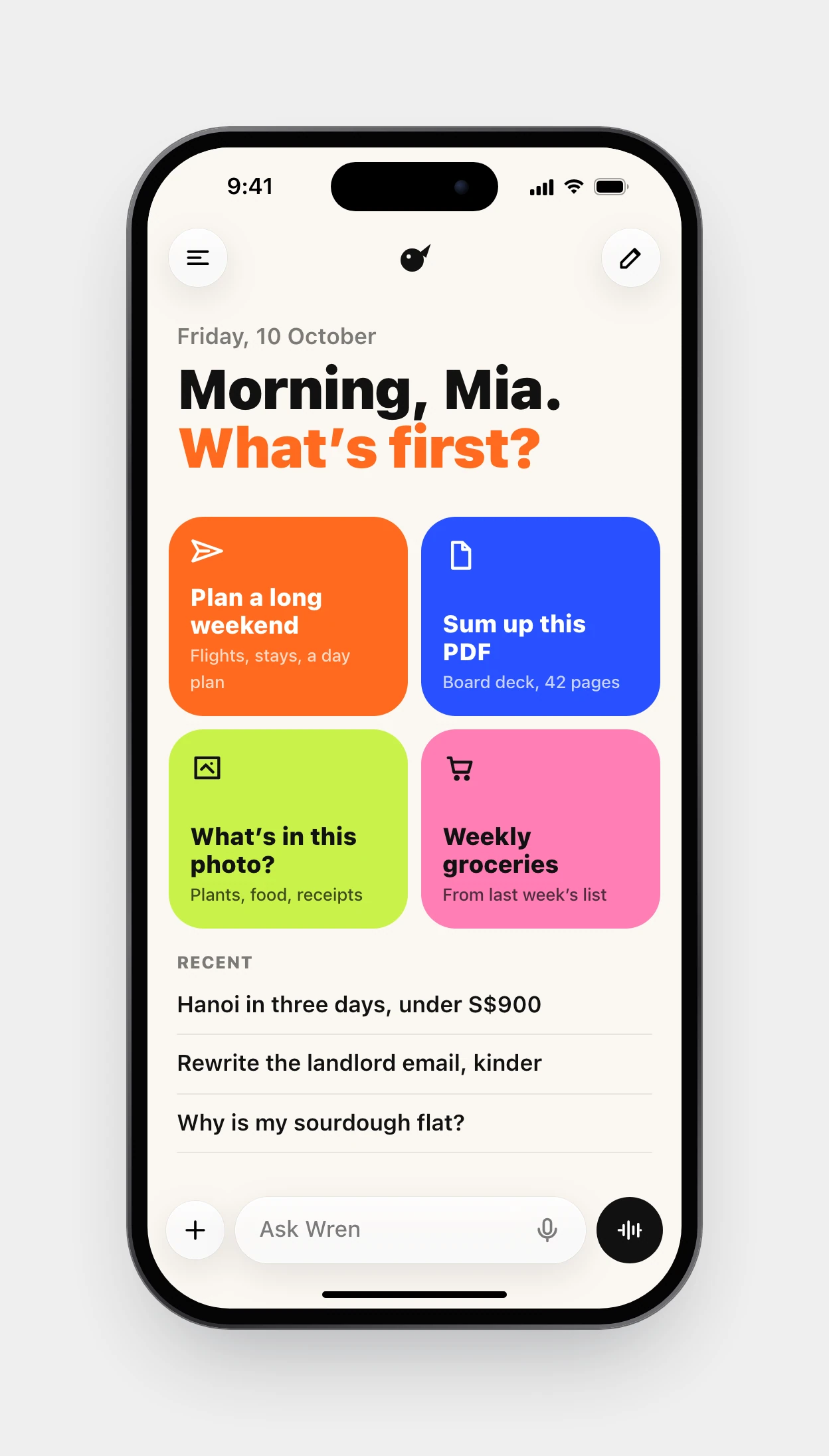
Home: a greeting, four quick-start tiles, recent chats and the composer. 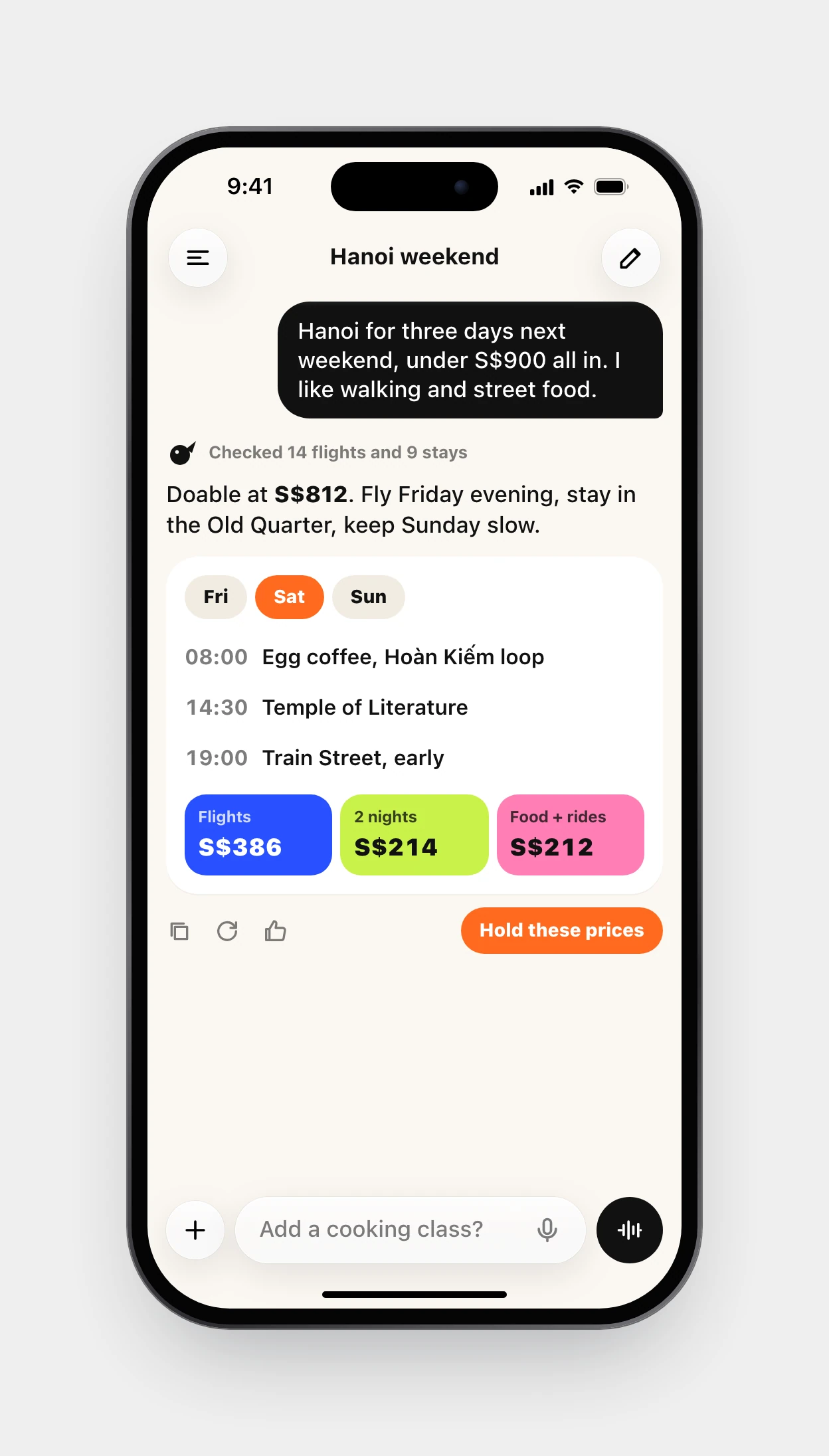
Chat: a weekend plan for Hanoi, with a cost split under budget. 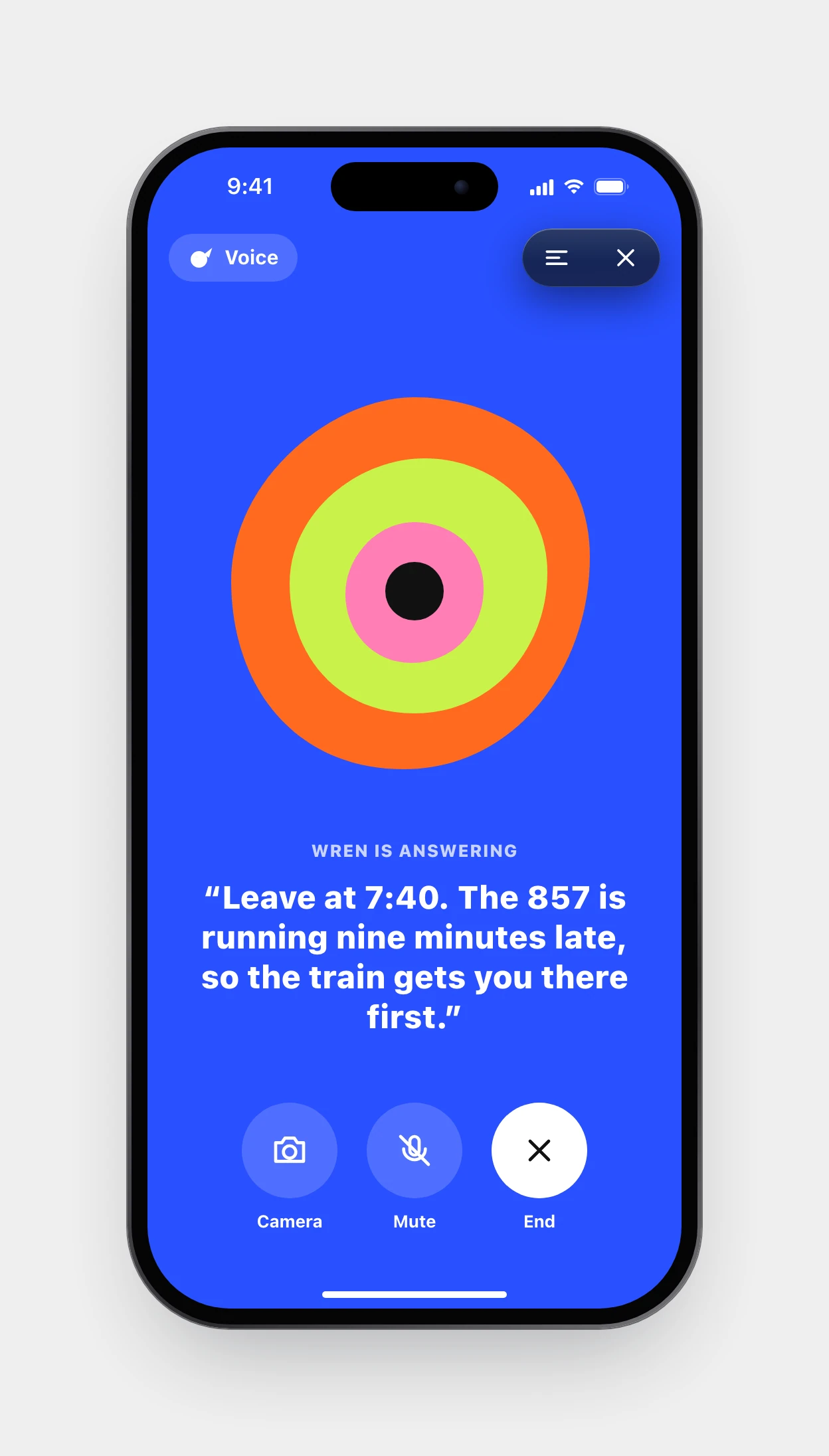
Voice: a flat cobalt voice mode with a live transcript and three controls. 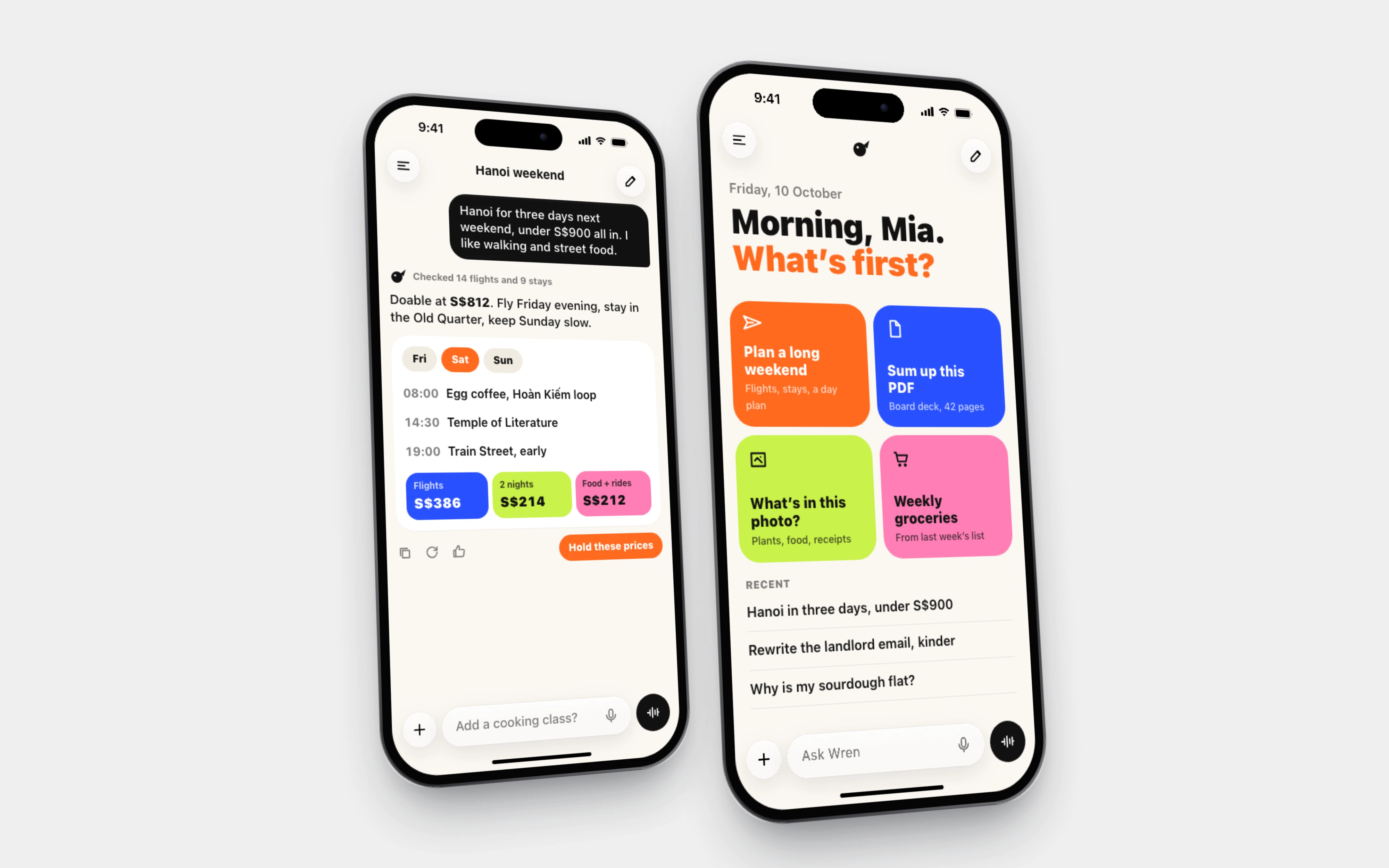
Stack
The stack we would choose to ship Wren for real, and why.
- App
- Swift, SwiftUIfast streaming text and a native voice mode
- Model
- LLM API with streaming and tool calls, behind our backendanswers come back as structured plans, not paragraphs
- Voice
- Realtime speech API over WebRTClow-latency talk-back
- Backend
- Next.js on Vercel, Supabase (PostgreSQL)chats, plans and keys kept off the device
Want something like this for your business?
We design, build and run web apps & portals for growing businesses. Tell us what you need on a discovery call.
Book a discovery callMore studies
- Health & wellness
- iOS app
Nocturne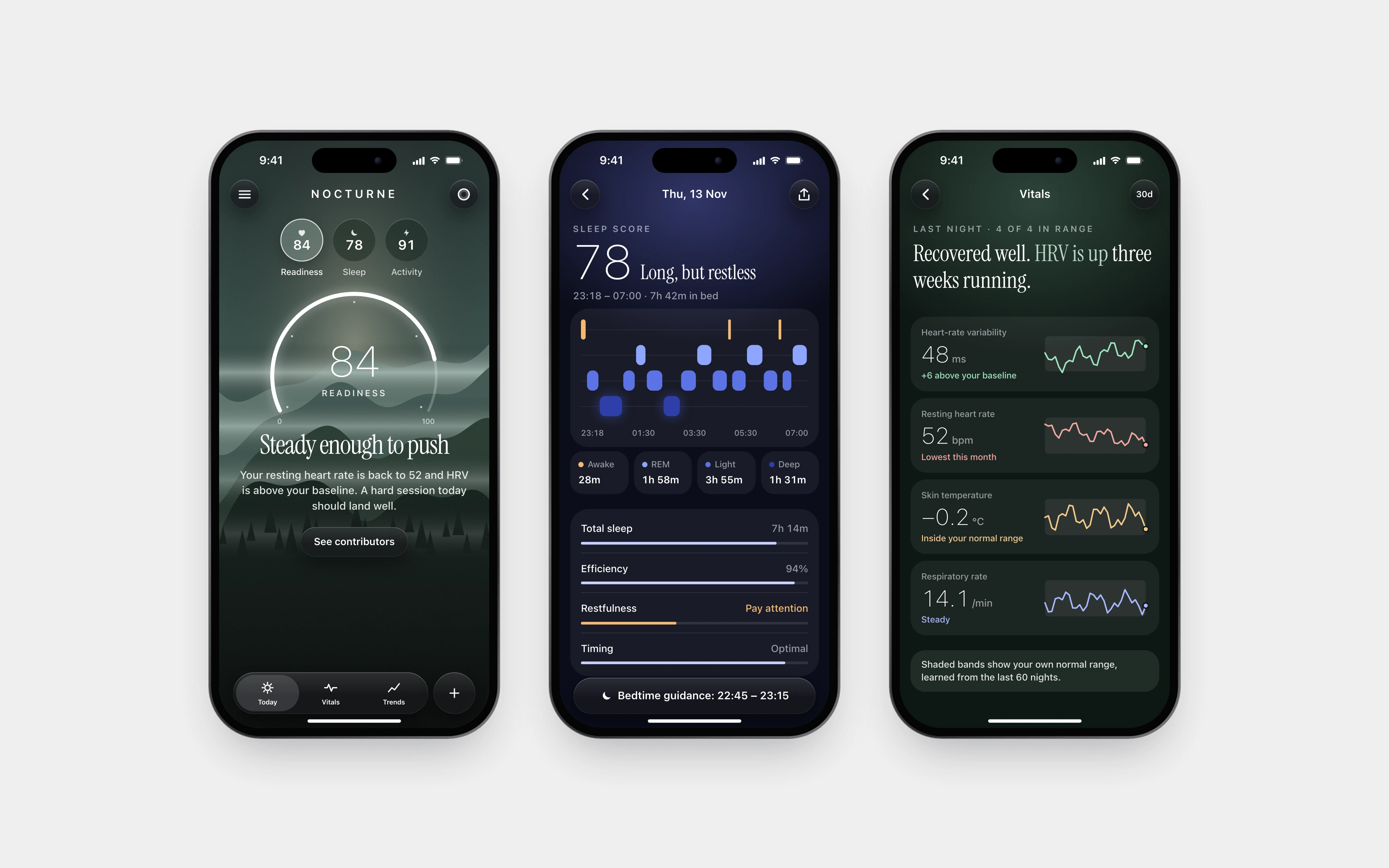
- Fintech
- iOS app
Saltwell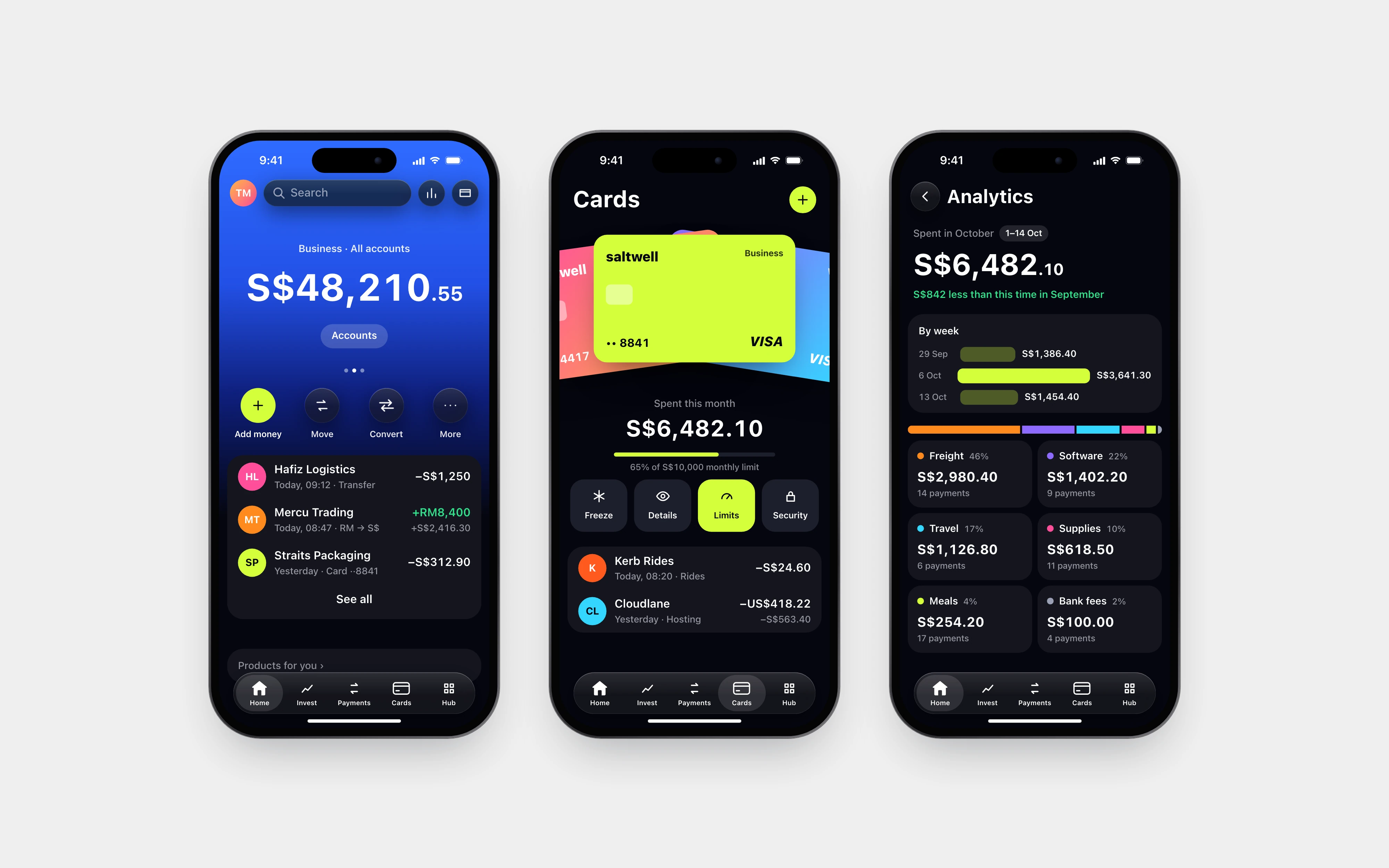
- Digital wellbeing
- Onboarding flow
Hush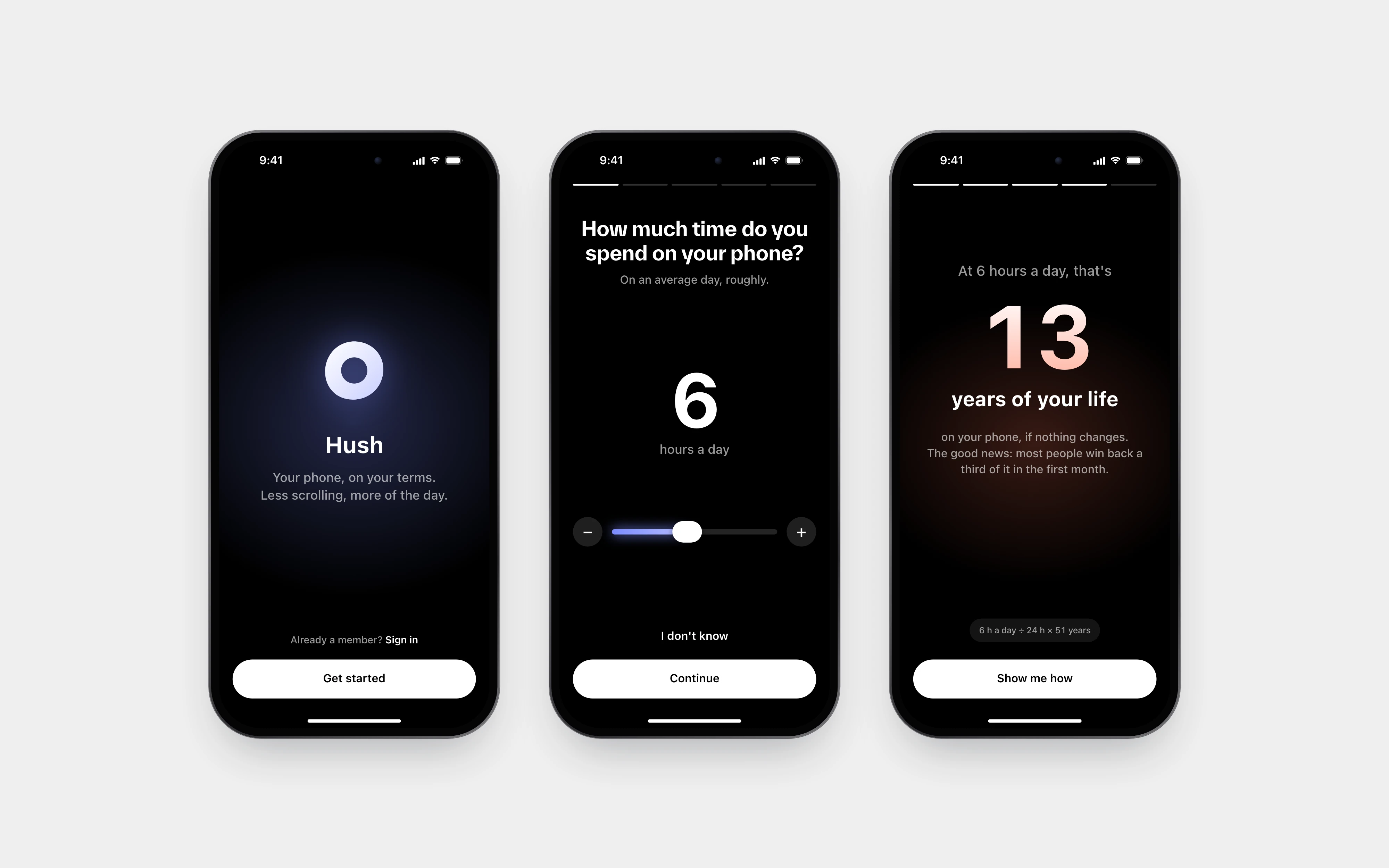
- Retail
- Dashboard
Tillpoint
- Travel
- iOS app
Contrail
- Education
- Onboarding flow
Parlo
- Fitness
- iOS app
Kestrel
- Logistics
- Dashboard
Dockyard
- Fintech
- iOS app
Tessera
- E-commerce
- iOS app
Pollen
- SaaS
- Dashboard
Plumb
- Events & ticketing
- Cloud architecture
Ticketing platform
- Construction
- Automation
Fitwell
- E-commerce
- Integration
Sundry